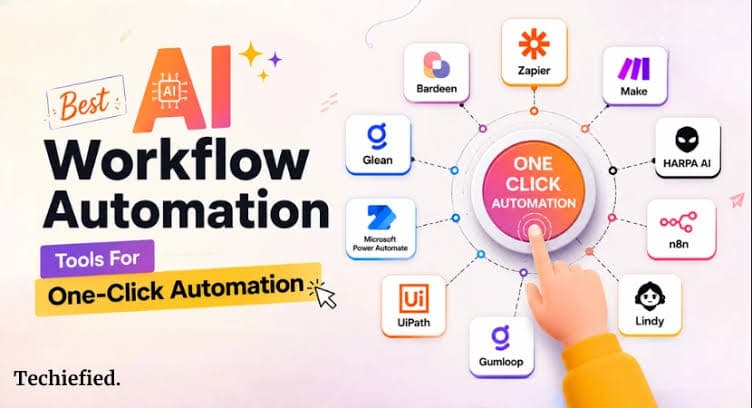

For small teams, time is the ultimate scarce resource. Juggling client emails, updating CRMs, routing support tickets, and drafting social media calendars can easily consume an entire workday, leaving little room for high-level strategy or creative problem-solving.
Today, AI workflow automation tools have completely transformed how small teams operate. By combining machine learning, natural language processing, and multi-app integration, modern platforms don’t just move data—they interpret context, make decisions, and execute complex business processes autonomously.
For small teams, time is the ultimate scarce resource. Juggling client emails, updating CRMs, routing support tickets, and drafting social media calendars can easily consume an entire workday, leaving little room for high-level strategy or creative problem-solving.
What is AI Workflow Automation (And Why Small Teams Need It)
An AI workflow automation is a multi-step process that utilizes artificial intelligence to handle unstructured inputs, make decisions, and transfer data between different software applications without manual intervention.
Unlike conventional automation that relies strictly on rigid if/then conditional logic, AI-powered tools can:
- Classify incoming customer service inquiries by sentiment and urgency.
- Extract key financial data from unstructured invoice PDFs.
- Draft personalized email responses based on historical CRM interactions.
- Summarize lengthy meeting transcripts and automatically assign follow-up action items.
For small teams, implementing these tools eliminates repetitive busywork, reduces human error, and scales operational capacity without requiring expensive headcount growth.
Quick answer: Which AI Workflow Automation Tools are best for small teams?
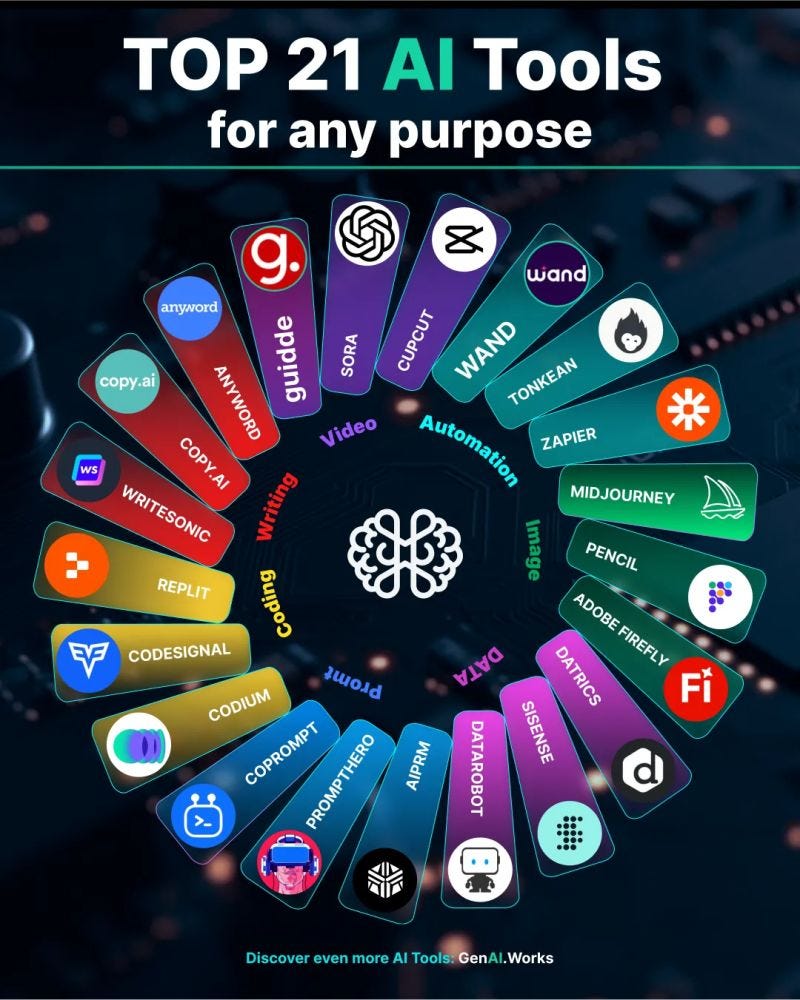
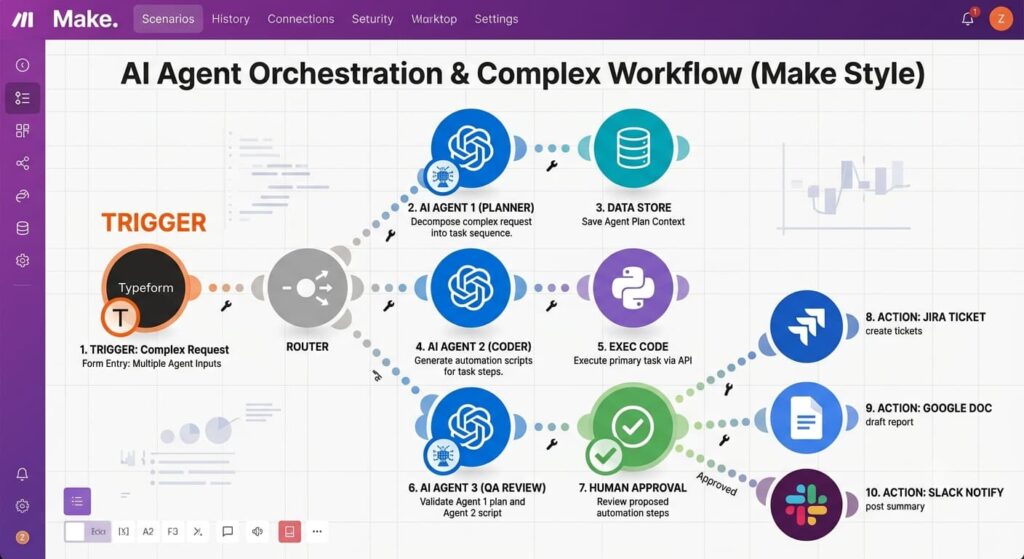
For most small marketing teams, the shortlist should start with Zapier, , and . Zapier is the easiest starting point when your team needs broad app connectivity and fast deployment. Make is stronger when visual branching and complex multi-step workflows matter. n8n is the better fit for technical teams that want deeper customization, code, or self-hosting.
Other platforms can make sense for specific needs. Microsoft Power Automate is attractive for teams already invested in Microsoft 365. Lindy is worth considering when the main goal is AI-assistant-style work such as email, scheduling, and task coordination. Gumloop is particularly interesting for AI-heavy data processing and research workflows.
Among AI Workflow Automation Tools, the best choice depends on the job you want the system to perform—not on how impressive a demo looks.
Why small marketing teams should use AI workflow automation
Small teams have a particular automation problem: they often have enough software but not enough time. Every new tool creates more tabs, more manual transfers, and more chances for information to become inconsistent.
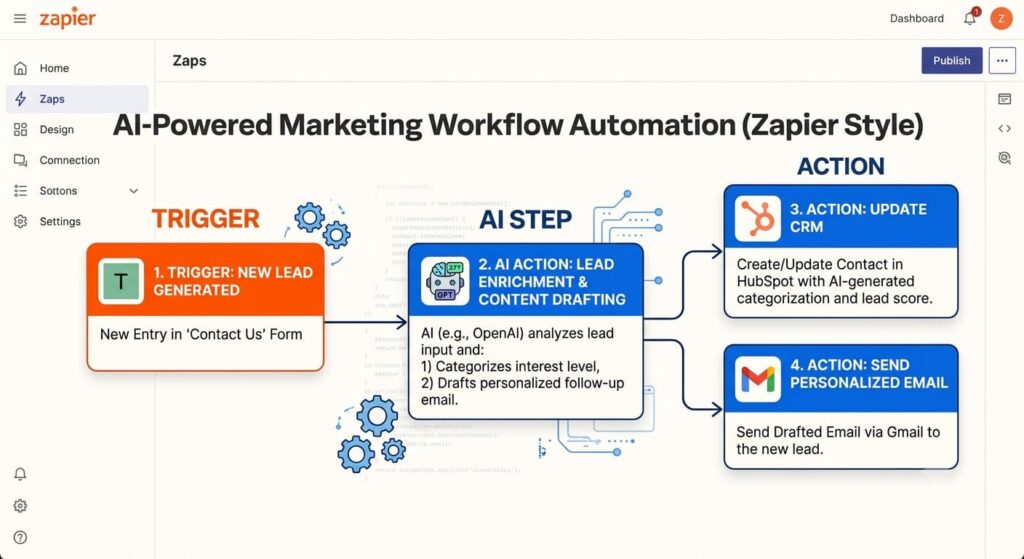
The strongest AI Workflow Automation Tools act as a connective layer between the tools you already use. A lead can enter through a form, be enriched, scored, added to a CRM, assigned to a salesperson, and logged in Slack without someone copying information between systems.
Automation should not remove humans from everything. Marketing still needs judgment, brand stewardship, creative direction, and approval for consequential decisions.
Comparison table: AI Workflow Automation Tools
| Tool | Best for | Ease of use | Workflow depth | AI focus | Best fit |
|---|---|---|---|---|---|
| Zapier | Fast cross-app automation | Excellent | High | Strong | Non-technical marketing teams |
| Make | Visual complex workflows | Very good | Very high | Strong | Power users and operations |
| n8n | Control and customization | Moderate | Very high | Strong | Technical teams |
| Power Automate | Microsoft ecosystem | Very good | High | Strong | Microsoft 365 teams |
| Lindy | AI assistant workflows | Excellent | Moderate | Very strong | Email, meetings, coordination |
| Gumloop | AI data workflows | Very good | High | Very strong | Research and data-heavy marketing |
Pricing changes frequently across AI Workflow Automation Tools, so compare current plans, task or credit limits, AI usage, and premium integrations before purchasing.
How to choose the right AI Workflow Automation Tools for your team
1. Start with the process, not the platform
Write down the process before opening a tool. Identify the trigger, inputs, decisions, actions, output, owner, and exceptions.
A simple process map might be:
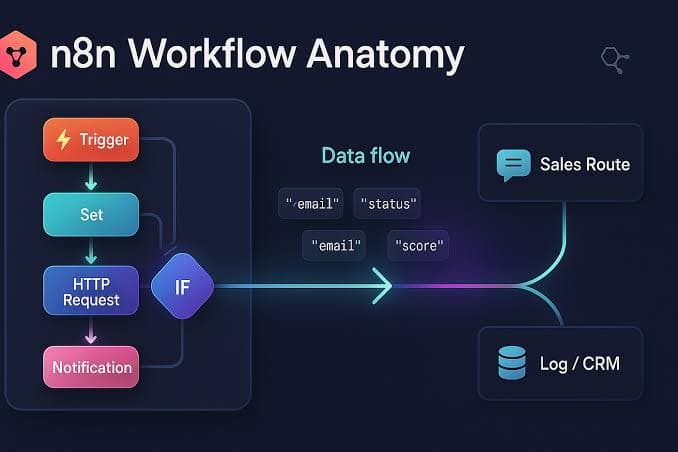
Trigger → Collect data → Clean data → AI interpretation → Business rule → Human approval → Action → Log result.
This prevents teams from buying software because of a flashy feature rather than a genuine business need.
2. Separate deterministic tasks from AI tasks
Use rules for predictable work. Use AI where interpretation adds value.
For example:
- Rule: If lead country is India, route to the regional queue.
- AI: Determine whether the inquiry is about pricing, implementation, or support.
- Rule: If the lead score exceeds the threshold, notify sales.
- Human: Approve a high-value personalized outreach message.
This hybrid approach makes automation more reliable and easier to audit.
3. Audit your integrations
A platform is only useful if it connects to your real stack. List your critical systems: CRM, email, analytics, forms, spreadsheets, project management, advertising platforms, content systems, and communication tools.
Then check whether the platform supports those services natively, through APIs, webhooks, or custom connectors.
4. Calculate total workflow cost
Do not compare only subscription prices. Estimate:
- monthly workflow runs
- number of steps per run
- AI model usage
- premium app charges
- data storage
- developer or setup time
- maintenance time
- error-handling costs
A cheaper platform can become expensive if it requires hours of maintenance every week.
5. Evaluate governance and security
Marketing workflows can contain customer data, campaign plans, credentials, and proprietary information. Check authentication, permissions, audit logs, encryption, data retention, and administrative controls.
AI introduces another consideration: prompt and context governance. Decide what information an AI step is allowed to receive and what actions it is allowed to take.
6. Test reliability before scaling
Do not move a critical workflow into production after one successful test. Run realistic edge cases.
Ask:
- What happens if the CRM is unavailable?
- What happens if the AI output is malformed?
- What happens if a field is missing?
- Can the workflow retry safely?
- Is there a human approval step for risky actions?
- Can someone see why a workflow failed?
This is one of the most important considerations when evaluating AI Workflow Automation Tools for business-critical work.
Common mistakes small teams should avoid
The first mistake is automating a broken process. If the manual workflow has unnecessary approvals, duplicate data entry, or unclear ownership, automation can simply make the mess faster.
The second mistake is giving AI too much authority. Start with bounded tasks and require approval for consequential actions.
The third mistake is creating workflows nobody owns. Every production automation should have an owner, documentation, monitoring plan, and failure procedure.
The fourth mistake is ignoring costs. AI calls, workflow operations, premium connectors, and high-volume execution can change the economics quickly.
The fifth mistake is building too much too early. A small team does not need an autonomous “AI employee” on day one. One reliable workflow that saves hours every week is a better foundation.
Final verdict
For most small marketing teams, Zapier is the safest starting point because it combines broad integrations with an approachable builder. is the better choice when workflow logic becomes more complex. is the strongest option when technical control, custom code, APIs, or self-hosting matter.
Microsoft Power Automate is compelling for Microsoft-centric organizations, while Lindy and Gumloop are worth evaluating for AI-agent and AI-data use cases.
Ultimately, the best AI Workflow Automation Tools are the ones your team can operate reliably. A platform with impressive AI features is not valuable if workflows break, nobody understands them, or the economics do not work.